From mood boards to moving visuals: what a product video generator can do
A mood board captures a feeling. It pins together textures, colour palettes, typography samples and reference images that suggest a certain look or tone. For a long time that static collage was the end of the line: a visual brief handed to a creative team who then had to imagine how it might move, how light would play across the surfaces, how the pacing and transitions would work. The leap from a still mood board to a living video concept has always been the hardest part of early-stage creative work.
A product video generator changes that by treating the mood board not as a final reference but as a starting signal. Instead of asking a team to mentally animate a static image, the generator reads the visual cues in the board and produces a rough moving version that preserves the same atmosphere. The result is something you can watch, critique and iterate on before any serious production begins. Happy Wan — Multimodal AI Video Generation Online Free
What a product video generator actually is
At its simplest, a product video generator is a tool that takes static inputs such as images, text descriptions and reference clips and outputs a short video. The inputs come from whatever creative brief you already have: a product image, a set of brand guidelines, a few sentences describing the intended mood, or a full storyboard sketched in frames. The generator interprets those materials and assembles them into a coherent moving sequence.
The difference from traditional editing is that the generator works with machine learning models trained on huge libraries of video footage and motion patterns. It understands how objects behave, how cameras move and how scenes transition naturally. So when you feed it a mood board with a particular lighting style, it can approximate that lighting in the generated video. When you give it a product image, it can place that product in a setting that matches the board's aesthetic.
This is not about replacing human creativity. It is about compressing the time between having an idea and seeing that idea in motion. A typical creative team might spend days or weeks storyboarding, shooting test footage and editing rough cuts. A product video generator can produce a usable concept in minutes, giving everyone involved something concrete to react to.

How the process works in practice
The workflow usually starts with a mood board or a set of reference images. You might already have a brand guideline document with approved colours, typefaces and imagery. The generator reads these files and extracts the dominant visual themes: the colour temperature, the contrast levels, the kinds of textures that appear. It then uses those themes to inform every frame it generates.
Next comes the narrative layer. You provide a short text description of what should happen in the video. This could be as simple as "a product rotating on a clean white surface with soft shadows" or as detailed as a full script. The generator matches your words to appropriate motion patterns and scene compositions.
Some tools also accept reference clips. If you have a video that shows the exact camera movement or lighting you want, you can feed it in as a style reference. The generator will try to replicate that visual language while applying it to your product or subject.
One of the most useful features is the ability to iterate quickly. You can adjust the text prompt, swap out a reference image or change the mood board entirely and regenerate the video in seconds. This makes it practical to explore multiple creative directions in a single session rather than committing to one concept early.
What it means for creative teams and solo makers
For anyone who produces product videos regularly, the biggest shift is in speed. A product video generator lets you test visual ideas before you invest in a full production. You can show a client three or four different treatments of the same product in the time it used to take to finalise one storyboard.
This changes how creative feedback works. Instead of discussing abstract descriptions like "a warmer, more intimate feel", you can watch a rough video that actually has that warmer feel and decide whether it works. The conversation moves from imagination to observation, which tends to produce clearer decisions.
For solo creators and small teams without access to large production budgets, the generator opens up possibilities that were previously out of reach. You can create polished-looking concept videos for a product launch, a social video campaign or a brand refresh without hiring a director, a cinematographer and an editor. The quality will not match a high-end production, but for early-stage validation, internal reviews or quick social media tests it is more than adequate.
Creative testing also becomes more practical. You can run a mood board through the generator, show the result to a small test audience, and gather feedback on whether the visual direction resonates. If it does not, you adjust the board and generate a new version. This kind of rapid iteration was expensive with traditional video production; now it is almost free.

Trade-offs to keep in mind
A product video generator is a tool for exploration, not for final delivery. The output will have limitations. Movements may feel slightly robotic. Lighting may not be perfectly consistent. Fine details such as product labels or text overlays may not render cleanly. For a final commercial video you will still want a human editor to polish the results and a human director to ensure every frame serves the message.
The generator also depends heavily on the quality of your inputs. A vague mood board with mixed styles will produce a confusing video. A well-curated board with clear references and a focused colour palette will produce something much closer to what you imagined. The time you save on production should be reinvested in preparing better inputs.
There is also the question of brand consistency. If you use the generator for multiple products, it is easy to end up with videos that look similar because the underlying model has a particular default style. A good habit is to feed the generator your brand guidelines explicitly each time and to vary the reference material so each video has its own identity.
How it fits into a real workflow
A practical way to use a product video generator is early in the campaign concept phase. Start with a mood board that captures the emotional tone you want. Run it through the generator to get a first rough cut. Watch it and note what works and what does not. Adjust the board, change the text prompt, and generate again. After two or three rounds you will have a clear visual brief that your production team can follow. That brief is now a video they can study rather than a static sheet they have to interpret.
For social video content, the generator can produce multiple variations of a single concept. You can create a version with a fast cut pace for TikTok, a slower version for Instagram, and a product-focused version for a website hero section, all from the same mood board and product image. This kind of variation used to require separate shoots or extensive editing.
One tool that fits this description is Happy Wan, Multimodal AI Video Generation Online Free. It accepts text, images, reference clips and audio, which matches the workflow described here: you bring your mood board, your product image and your written concept, and it returns a video that brings them together. That makes it a practical option for anyone who wants to test whether a static visual idea translates well into motion before committing to a full production.
The real value of a product video generator is not the videos themselves. It is the speed at which you can learn whether an idea works. A mood board is a guess. A moving concept is a test. The faster you can run that test, the faster you can refine your direction and the less time you waste on ideas that look good on paper but fall flat in motion.
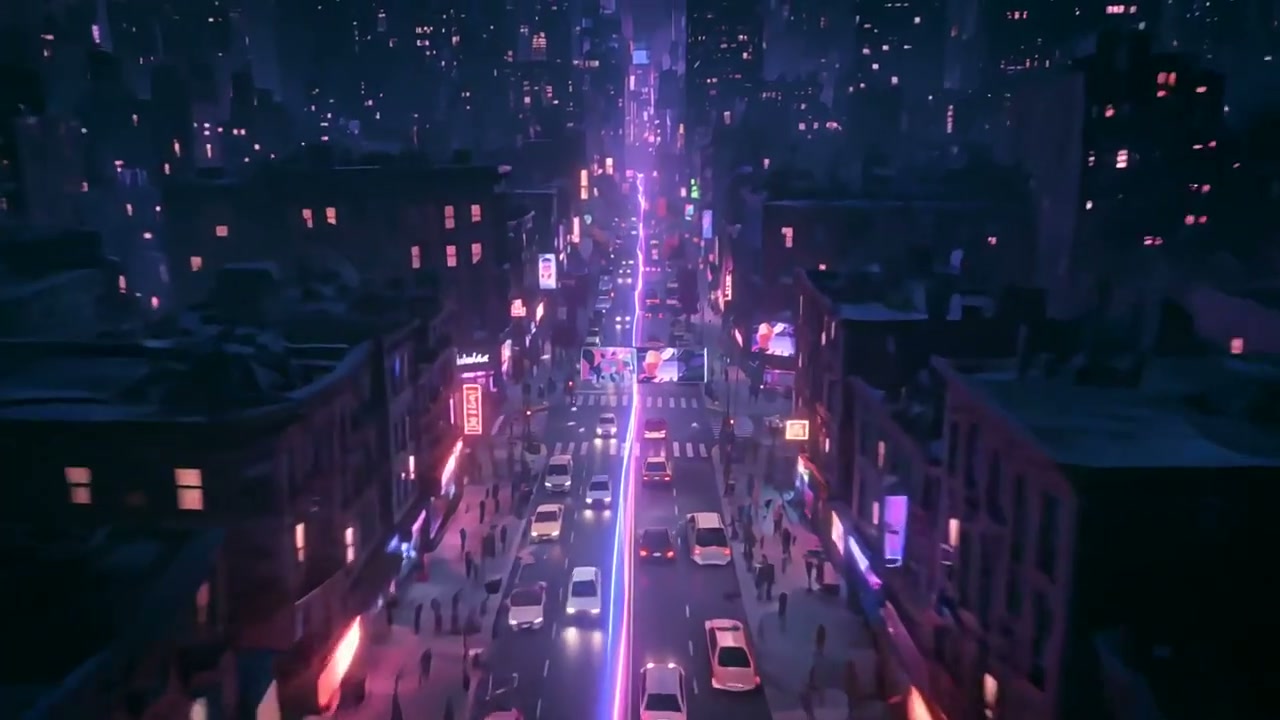
For product teams, marketing departments and independent creators, that speed changes how you approach visual storytelling. You can be more experimental because the cost of a failed experiment is low. You can involve stakeholders earlier because you have something to show them. And you can keep the creative process focused on what actually communicates the product's value rather than on the mechanics of producing a video.
If you are working on a product launch or a brand refresh and you have a mood board sitting on your desk, consider running it through a product video generator. The result may not be the final video, but it will tell you whether you are moving in the right direction. And that information alone is worth more than a dozen polished storyboards.
Happy Wan, Multimodal AI Video Generation Online Free is one of the tools that makes this workflow possible, especially for teams that want to keep the process simple and avoid complex production setups. Whether you use that particular tool or another, the principle is the same: turn your static mood board into a moving concept, test it, learn from it, and iterate until the video matches the vision you started with.